

Tera Wallet @TeraWalletRH
Self-custodial wallet for tokenized RWAs on @RobinhoodApp $TERA: 0x3c12e57fa7817a86ce7c254db9ea5fe639e233f8 terawallet.app Joined September 2026-
Tweets238
-
Followers536
-
Following2
-
Likes54
Cmd+K Your wallet should move as fast as you think. On the Tera web app, press ⌘K (Ctrl+K on Windows) anywhere and type what you want: "send", "receive", "swap", "bridge" a contact's name → straight into Send, recipient filled in a token → straight to its page paste an address → "Send to this address" (or the contact's name if you've saved it) It's forgiving: "snd" finds Send, "pay" finds Send, "trade" finds Swap. Arrow keys to move, Enter to go, Esc to close. It won't open over a transaction review, a PIN prompt or a shown recovery phrase, so a stray shortcut can never pull you away from something that matters. No mouse needed. github.com/TeraWalletRH/T…

Most web wallets let the browser run any script that ends up on the page. One injected script (a compromised dependency, a bad ad, an XSS) and it can read the page and send anything it finds to anyone. Tera's web wallet and dashboard now send a strict Content-Security-Policy: Only Tera's own scripts run. Each inline script is allowed only by an exact SHA-256 fingerprint of its text, so injected code never matches. The web wallet can only talk to Tera's API, the Robinhood Chain nodes and the explorer. Even if something hostile got in, the browser refuses to let it send your data anywhere else. No eval, no plugins, and no other site can embed Tera in a frame. Bonus: a wallet SDK's inline telemetry script is now blocked too. Tested in a real browser: every page loads cleanly, and a request to an unknown server is refused. github.com/TeraWalletRH/T…

Every wallet with an AI assistant says your data is private. You're asked to take their word for it. New in Tera: under every message you send to the assistant there's a "What was sent" link. Tap it and you see the exact request that left your device: The address it went to and the method Every header The full body, exactly as sent Then Tera reads it back for you: "Contains only: message" "Your wallet address was not included" Ask a question and the request holds your question, nothing else. No balances, no history, no contacts, no keys. If a proposal needs your session token, it's shown masked so you can screenshot safely. It's built from the same object the app actually sends, so it can't drift from the truth. github.com/TeraWalletRH/T…

A transaction leaves a trace on chain. A signed message leaves nothing. A signature can log you in, approve a team payment or prove you own an address, and afterwards there's no record anywhere that it happened. That's exactly why scammers love "just sign this". New in Tera: every message your wallet signs is now recorded on your device. - When it was signed and by which account - Which service asked for it - What it was ("Tera Wallet tag claim", "Safe transaction"…) - The full decoded content, one tap away Logged in one place inside the wallet, so no signature can skip it. Encrypted with your wallet's key, never sent anywhere. Searchable, and you can switch it off or clear it anytime. Settings → Security → Signature log. github.com/TeraWalletRH/T…

How safe is your wallet, really? Most people have no idea until something goes wrong. Now Tera tells you, in one number. Settings → Security → Security checkup scores your wallet out of 100 across six checks, weighted by what each one protects you from: - Recovery phrase checked in the last 90 days: 30 - Auto-lock at 15 minutes or less: 20 - No unlimited token approvals open: 20 - A spending limit set: 15 - Trusted-only payments: 10 - Hidden in the app switcher: 5 Every gap comes with a one-tap fix: check your phrase, tighten auto-lock, revoke a risky approval, set a limit. The worst gap is always at the top. Honest by design: anything Tera can't actually verify is marked unknown and left out of the score, not counted for you or against you. - Worked out on your device from your own settings. Nothing is sent anywhere. github.com/TeraWalletRH/T…

The most common way wallets get drained isn't a hack. It's a signature. A "signature request" costs no gas and sends no transaction, so it feels harmless. But one signature on a token Permit or a Permit2 message lets someone else move your tokens later, without ever asking you again. Most wallets show you a wall of JSON and a Sign button. New in Tera: Settings → Security → Check a signature request Paste what any site or wallet asks you to sign, and Tera tells you in plain language: Permits are flagged red: "This lets 0x9999…9999 spend Unlimited USDG through Permit2" Instant-transfer permits say the spender can take your tokens immediately A request built like Permit2 but sent to a different contract is called out as an imitation A different chain, a different wallet, an expiry years away, or an unknown spender each get a warning Anything Tera doesn't recognise is marked unknown, never "safe" Nothing is signed. Nothing is sent. It all runs on your device. github.com/TeraWalletRH/T…
Most people write their recovery phrase down once and never look at it again. Paper gets lost, thrown out, water-damaged, or was miscopied from day one. Nobody notices until the day they need it, and that's the day their phone is gone. New in Tera: every 90 days, your wallet asks you to find your written copy and enter three of its words. Different words every time, picked at random, so you can't pass it from memory. You need the real copy. Tera never shows your phrase during the check. It only tells you whether all three words match. It won't say which word was wrong. A quiz that did could be used to rebuild your phrase word by word from an unlocked phone, without your PIN. After 3 wrong answers it closes until your next unlock. It takes a minute. Tap "Later" to put it off for a week, or check anytime under Settings → Security → Check my recovery phrase. If the check fails, Tera points you to write a new copy while you still can. github.com/TeraWalletRH/T…

Every time a wallet refreshes your balance, it asks a blockchain node, and tells it your address. A wallet that's open refreshes every few seconds. Send all of that to one node and its operator gets a complete record of when you use your wallet, from where, and what you check. New in Tera: reads now take turns across four independent Robinhood Chain nodes: • Robinhood Chain's own node • PublicNode • dRPC • thirdweb Each one sees a slice. None of them sees the whole pattern. • If a node is down, slow or rate-limiting, Tera moves to the next one automatically. Your wallet keeps working. • Sending never rotates. Your nonce, safety simulation, fees, broadcast and confirmation all come from the network's own node, so a lagging node can never break a transaction. • It's on by default. You can turn it off in Settings → Privacy & data → Spread reads across nodes. github.com/TeraWalletRH/T…
Your wallet's price chart is a privacy leak most people never think about. Tera's price list was already private by design: it's the exact same request for every user, so it can't tell who's asking or what they hold. But charts, sparklines and profit-and-loss history ask for the price history of the specific tokens you own. Whoever answers those requests learns what's in your wallet. New: Settings → Privacy & data → No market data When it's on: - No prices, charts, sparklines or price history are fetched, not one request - Balances show in tokens only: "120 USDG", not "$120.00" - Your home screen shows how many tokens you hold, with "Market data is off" - Price alerts and profit and loss pause until you turn it back off Your balances still come straight from the chain. Sending, swapping and bridging work as normal. For people who'd rather nobody, not even us, learns what they hold. github.com/TeraWalletRH/T…
Anyone can send any token to any wallet. That's how phishing reaches you: a token named "Claim your reward at usdg-bonus.xyz", or a fake USDG sitting right next to the real one, waiting for you to trust it. What Tera does now: Finds everything you hold. Tera reads every token in your wallet, so real tokens you bought elsewhere show up automatically, priced for that exact contract. Hides the junk. These stay off your home screen: • Tokens with no price and no market • Tokens the block explorer flags • Tokens whose name is an ad or a link • Copies of a token you already hold, even if they have a price Nothing disappears silently. Your home screen says "N tokens hidden · Manage", and each hidden token shows why it was hidden. Spam names are cut short, because the name itself can be the phishing link. You decide last. Hide any token with one tap, or bring back one Tera hid. Tokens you hide still count in your total. Example found in the wild: "Stray Dog" (DOG), airdropped to 860,000+ wallets on Robinhood Chain, with no price. Tera hides it. github.com/TeraWalletRH/T…

Your wallet balance is nobody's business. But the app switcher, browser tab previews and shared screens all show whatever was last on screen, to anyone who happens to see it. What's new: On the phone: the moment you leave Tera, a cover goes over the app. • The app switcher shows the Tera logo, not your balance • On iOS it goes up before iOS takes its app-switcher snapshot On the web app: switch tabs or click into another window and Tera blurs and covers itself. • Tab previews and screen shares show nothing • Come back and it's gone, no extra tap It's on by default while your wallet is unlocked. You can turn it off in Settings → Privacy & data → Hide when away. Private by default, even when you're not looking. github.com/TeraWalletRH/T…

One of the most expensive scams in crypto is also the simplest. You pay 0xAbCd…1234. A minute later, a "transfer" shows up in your history from 0xAbCd…1234 — except it isn't the same address. It was made to match the first and last characters. Next time you copy "the address I paid last time", you send your money to a scammer. What Tera does now: Zero-value transfers are hidden. They move nothing; their only purpose is to plant an address in your list. Lookalikes are caught. Two different addresses with the same first and last 4 characters are flagged, which happens by chance about once in four billion. The real one stays. A saved contact, one of your own wallets, or an address you actually paid is treated as genuine, and so is whichever address appeared first, since a scammer can only copy one after it appears. Nothing is secretly deleted. Activity tells you how many suspicious transfers were hidden and why. Tap Show and they come back, marked "Suspicious". Everything you signed on this device always shows. All of it runs on your device. github.com/TeraWalletRH/T…

TeraWallet RH 0.1.0 (64). This update brings privacy and anti-scam improvements, plus fixes for icons that were showing blank Already testing? Update through TestFlight and give the new protections a try. New to the beta? Join here: testflight.apple.com/join/AvgEw9Fa Your feedback helps us make Tera safer and better.

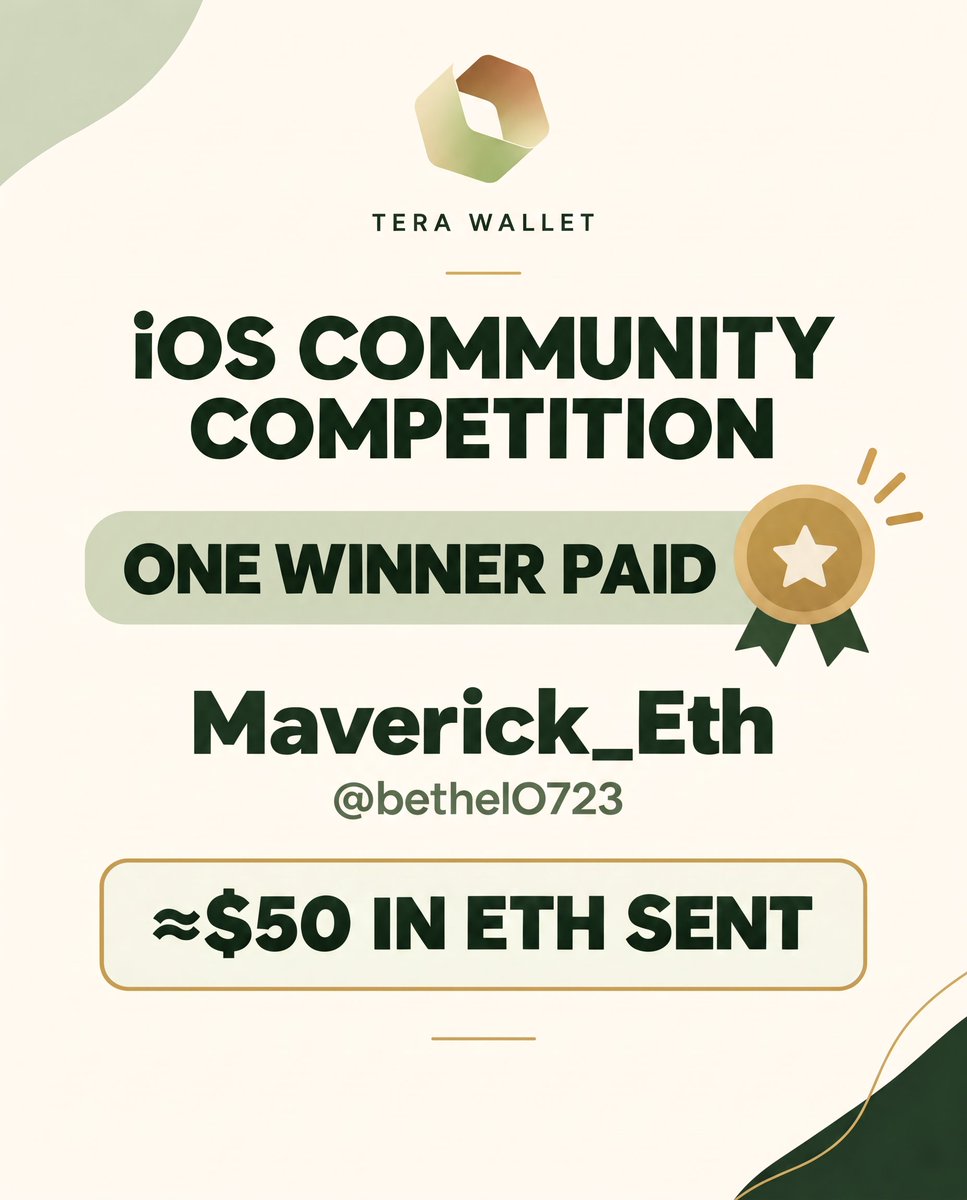
An update from our iOS Community Competition. Congratulations to Maverick_Eth (@bethelO723) approximately $50 in ETH has been sent. We haven’t heard from our other winner yet. If that’s you, please get in touch. Thank you to everyone who took part and continues to support Tera.
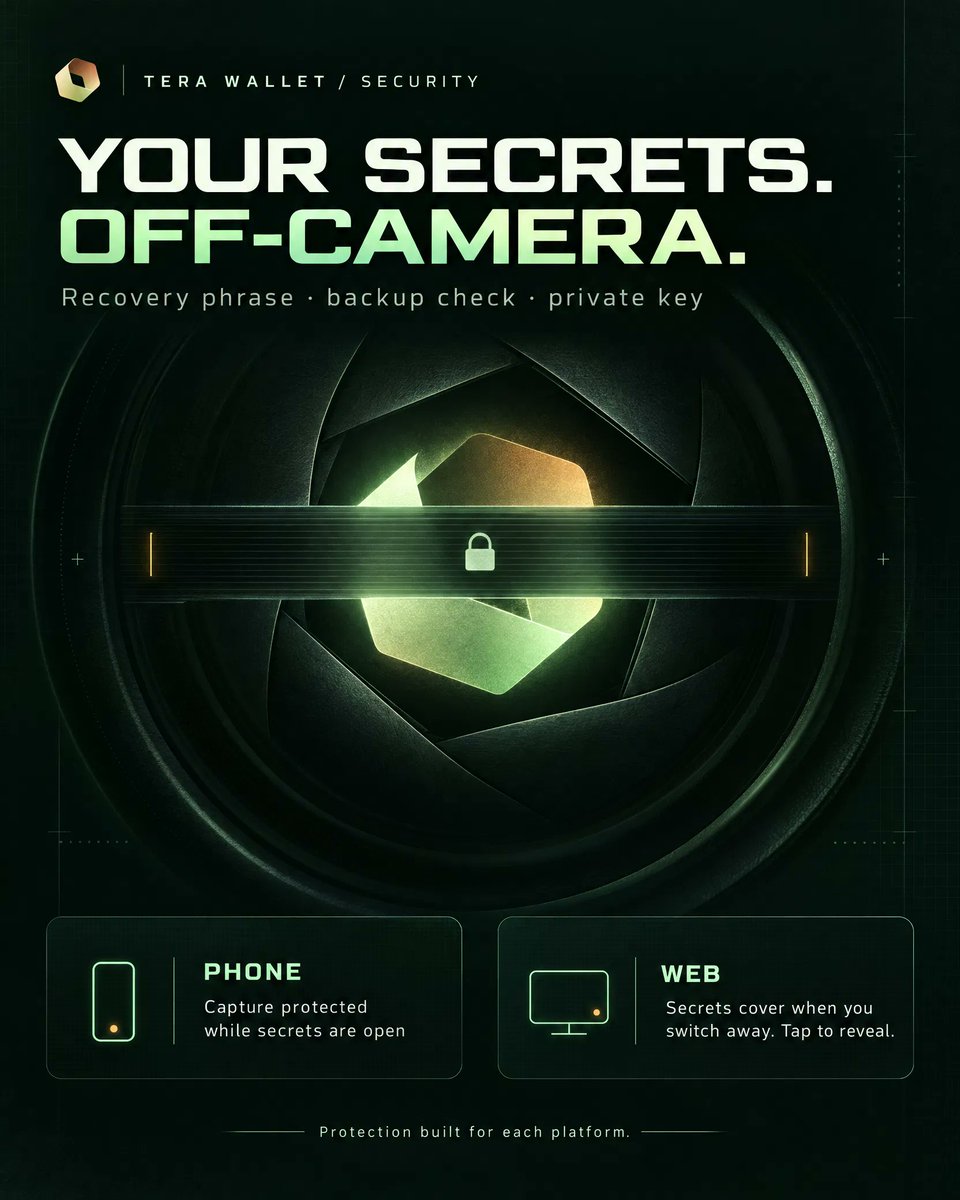
Your recovery phrase and private key are the only things that matter if someone wants your funds. A screenshot of them can end up in a cloud photo backup, a shared screen or a recording you forgot was running. What's new: • On the phone: while your recovery phrase, the backup check or an exported private key is on screen, Tera blocks capture. • Android: screenshots, screen recordings and the recent-apps preview come out black • iOS: the phrase is hidden from screenshots and recordings • Capture is allowed again the moment you leave the screen • On the web app: browsers can't block screenshots, and we won't pretend they can. Instead: • The phrase is covered as soon as you switch tabs, click another window, open a snipping tool or print • It stays covered until you tap to show it again • Each secret screen says which protection applies Self-custody means the keys are yours. Now they stay off your camera roll too. github.com/TeraWalletRH/T…
New in Tera: a token approval manager, on the web app now When you swap or bridge, the app you use asks for permission to spend your tokens. That permission doesn't end when the trade does. A contract you approved for "unlimited" once can move every token of that type you'll ever hold, until you take the permission back. Most wallets never show you these approvals. Tera does now. Go to Settings → Security → Token approvals: • See every contract that can still spend your tokens or your NFT collections • Unlimited approvals are flagged red and listed first • Spenders are named when Tera knows them (Tera's swap router, Uniswap, Permit2, the Relay bridge); anything unfamiliar shows its address • One tap to revoke How it works: • Approvals are read straight from Robinhood Chain, from your wallet's own on-chain history • Each amount is checked live, so approvals that are used up or already revoked don't show • Revoking goes through the same review screen as any other transaction. Your device checks it does exactly one thing, setting that approval to zero, before you sign and again at signing • Nothing about your approvals is sent to Tera's servers. A revoke is just a normal transaction with a small network fee Live on the web app today, with mobile coming next. github.com/TeraWalletRH/T…

Staking on Tera is still active. terawallet.app/staking

TeraWallet RH 0.1.0 (62), is ready to test. New to the beta? Join through TestFlight: testflight.apple.com/join/AvgEw9Fa Already a tester? Check your email for the invitation to install the latest build.

The goal remains the same: build Tera into a wallet where you stay in control. We’re here for the long game and grateful to have this community alongside us. What part of Tera’s journey would you like us to share more about?
Marketing wallet update 1.5% of $TERA is currently held in the marketing wallet, with a 7% target allocation. The wallet supports broader marketing initiatives. CEX listing efforts are one part of that purpose not the whole scope. Stay close.


Paul Willy @PaulWillyih
4 Followers 7 Following


Sasori @mitsuog
184 Followers 630 Following Twittero de vez en cuando...procuro ser un buen amigo y ver siempre el lado positivo de las cosas aunque a veces no aplique! #shithappens
Morphine 💛🐕 @Ajxtmac
177 Followers 1K Following

B╎B @Mr_Bojangles04
306 Followers 778 Following $BRETT on $ETH CA: 0x240D6FAF8c3B1A7394e371792A3bf9D28DD65515
Dreszczowy.base.eth @BasedDr3
2K Followers 2K Following

Donna @b_donna69
40 Followers 2K Following Unite powerful wizards, alter time, and save reality in this story-rich
Mamaba Kwabena @KwabenaMamaba
9 Followers 141 Following

IPM Meme @IpmMeme75793
370 Followers 2K Following
Christian Andrew @Xtainandrew247
288 Followers 1K Following YOUR PROJECT SECRET WEAPON: RAIDS THAT HIT, SHILLS THAT CONVERT, COMMUNITIES THAT THRIVES.💙
RetardedHustler @RetardedHus
3 Followers 14 Following


ProxC500 @RadekP35691316
215 Followers 17 Following
RH Bull Alerts @2i5jji
35K Followers 17K Following RH BULL ALERTS 🐂🔔 Crypto Alerts • Market Insights NFA | DYOR • DM for Business 🤝 @ryftkids121314
Crypto Whale 🐋 @FlokiBull_
116K Followers 56K Following Holding Crypto #DexScreener #Pumpfun #Dextool and #Binance Social influencer, Announces Marketing MemeCoins #SOL #ETH #Robinhood #BSC 🎲(DYOR)
ALTCOIN-BEAR™️ @altcoinbear1
245K Followers 11K Following All-time Crypto Promoter | 🖼️ NFT Specialist | Web3 gaming growth| Turn dreams into reality |DM for collabs & campaigns|
STELLA COOPER @Stellapromo7
52K Followers 3K Following Crypto Influencer & Promoter • Blockchain Expert • NFA • AMA Presenter • Investor #BNB #BTC #ETH #SOL #MEMECOINS • Dm For Business.
Valeria Crypto @usmansays56
25K Followers 14K Following Crypto Influencer. Looking for new gems.NFA. DM for Collab!🤝
nam nguyen @nvnam182
28 Followers 352 Following
NAMCO @EagleCoin126526
0 Followers 103 Following
DHARAM CHAUDHARY @DHARAMCHDRY73
2 Followers 80 Following
Victoria Ovando @vicky_ovando1
105 Followers 332 Following Administradora, ama de casa, esposa, paraguanera, magallanera, opositora, católica, realista, twittera ocasional pero muy intencional..

紅ノ天狗 @kurenainoteng
20 Followers 87 Following
UU小白 @HuDiUpUp
28 Followers 101 Following
𝗗𝗔𝗩𝗜𝗗 ... @BiggieCryptoo
807 Followers 609 Following Video Creator / Editor / motion graphics video designer All video repost here are my work
ArmadA (Official) @Th3_ArmadA
117 Followers 63 Following South Florida based producer and DJ Contact: [email protected] for booking. #SANKK
A C Ξ Ξ 👑 @_InfiniteAcee
5K Followers 592 Following Market Analyst || Trader || Front-running narratives || Focused on Value
Lisy @thomaslisy32
13 Followers 76 Following
Slipahaulic @Slipahauli59343
34 Followers 384 Following
DT @DMKLa05
3 Followers 25 Following “Stay active. Stay early. Stay grinding. ⚡” 🎁 GA Hunter | 🪂 Airdrop Grinder | 🔍 Hunting Opportunities | 🚀 Staying Early indonesiaBorn
派人生 |PILIFE @PiLifeCT0
24 Followers 173 Following $派人生 PILIFE is a community-driven meme coin experiment built around collective consensus. Launched on Flap, BNBChain. 0xeaa7665193efa6a3cd0d10867e0e9ae60e6d7777
boomer @TopRaider007
3 Followers 22 Following
Esselawn @esselawn
31 Followers 97 Following
نوف | Nouf @Nouf0633
70K Followers 61K Following أسأل الله أن لا يحرمني ولا يحرمكم :رزقه ، وتوفيقه ، ورحمته ، ومغفرته ، ورضوانه ،وجنته ، وصحبة نبيه ﷺ ،...
Nicolai the player @GamblerNicolai
30 Followers 210 Following Romanian Gambler Kick: nicolaiman 💬 Discord: nickman_59880 ✈️ Telegram: @Nickman1q
Jaxon Crypto @mody_basma
134K Followers 5K Following Crypto Enthusiast | Web3 Marketing Expert Hunting the next 100X gems | DYOR | DM for business 📥
bluebird @seph99
400 Followers 751 Following
Alissa Crypto @Alissazehra
700K Followers 3K Following Crypto & NFT influencer | Community and builder centric hub for token launches | Brand Ambassador - @blockhubcoin_id
Tom Calls @TomCallsx100
503K Followers 6K Following 🎯 Precise Calls | 💎 Early Gems | Market Insights | Finding high potential plays before the crowd 📈 | Collabs & Promotions → DM
RayNft @raynft_
380K Followers 164K Following Pudgy Penguin • Alpha Caller & CM • Degen Crypto enjoyer #NFT 🐧 #Crypto • Spreading Awareness in the Web3 Space
Crypto Whale ₿ @Crypto_Whale777
83K Followers 14K Following ₿ Crypto Marketing Specialist | Web3 Growth & Strategic Partnerships 🌐 | Turning Promising Projects Into Recognized Brands 🚀 | DM for Collabs


Robinhood Crypto @RobinhoodCrypto
648K Followers 200 Following The home for onchain crypto & institutions.You might like


















